
For parents & players
Adding your own videos
Filmed a practice session or a match on your phone? Get it in front of the coach.
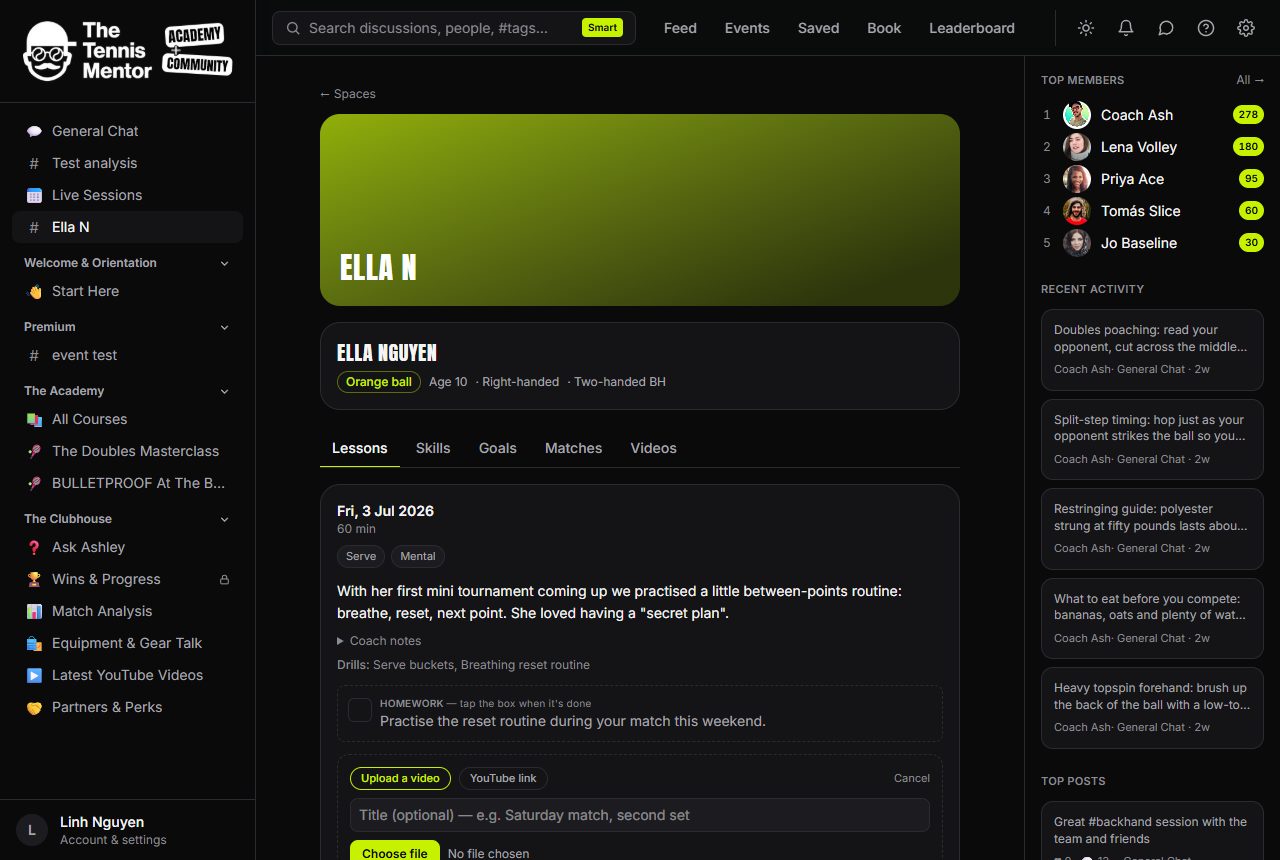
How to add a clip
- On any lesson card, tap 🎬 Add a clip.
- Choose Upload a video (mp4, webm or mov, up to 150 MB) or YouTube link (an unlisted link works well for longer footage).
- Add a title if you like — "Saturday match, second set" — and upload. A progress bar tracks it.
The clip appears on the lesson with its own shot-review chat, and the coach gets a "new clip to review" notification.
Privacy — worth knowing
Uploaded clips are stored privately. There is no public link, ever: playback works through short-lived secure links that only members of this space can obtain. That's deliberate — children's technique videos should never be one URL-share away from the open internet. If a video is longer than the size limit, trim the key moments in your phone's gallery app first, or use an unlisted YouTube link instead.
You can remove a clip you added at any time (Remove clip).