
For coaches & admins
Creating a player space and inviting the family
Player Development is an add-on — if you do not see the Player development type when creating a space, it is not enabled for your community yet. Ask TennisCreators about adding it.
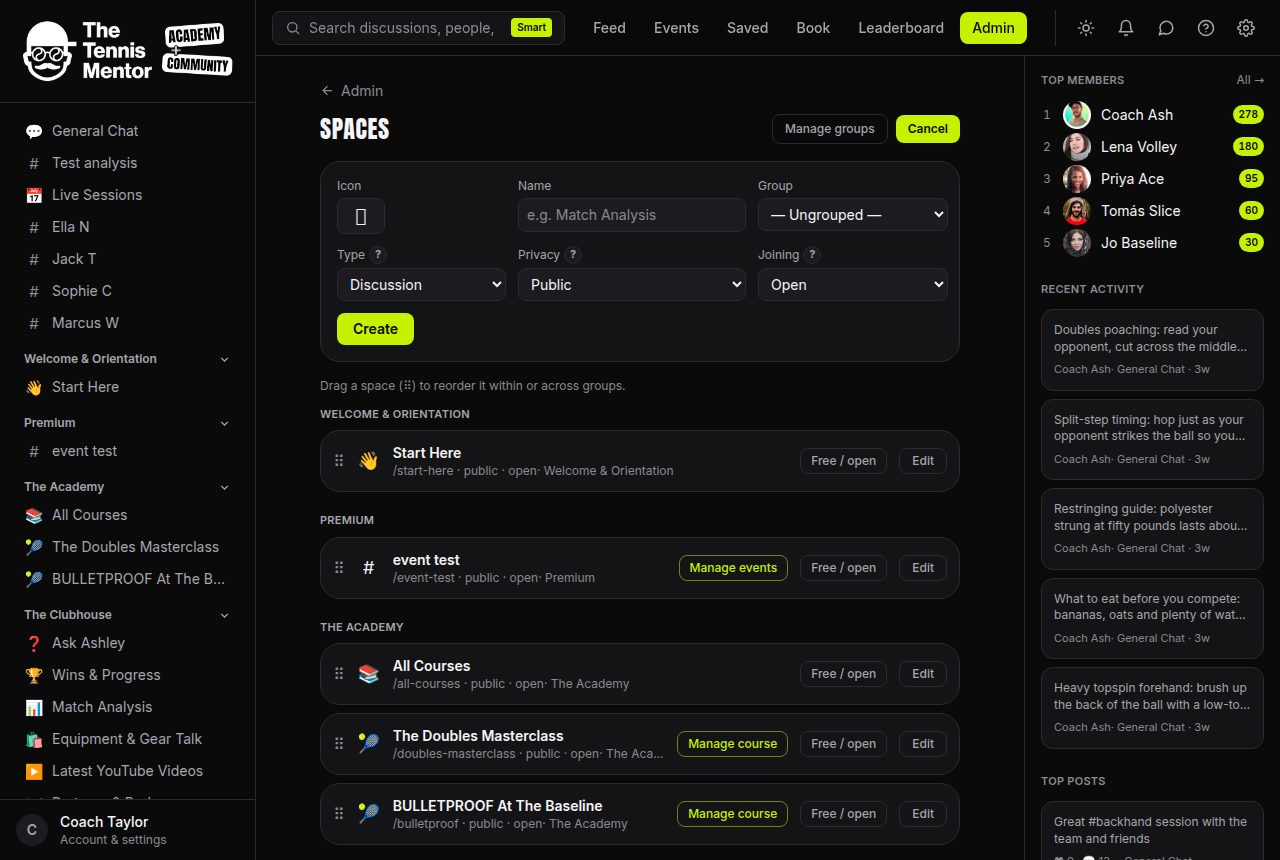
Each student gets one space. Create it from Admin → Spaces → New space and choose the type Player development.
Fill the player profile: full name (required), birth year (never a full birth date — deliberate data minimisation for juniors), playing hand, backhand, and a level label like Orange ball or Club league · Div 3. If the player is an adult with their own account, link it under student member — they're joined to the space automatically.
Privacy is structural, not a setting
Player spaces are born private and invite-only, permanently. There is no switch to make one public, and the type can never be changed afterwards — the platform refuses at every level. Nobody outside the space can even see its name.
Inviting the family
Open the space → Manage space → invite by email, exactly like any private space. Parents accept the invite and land in the planner. You're a member of every player space you create, so all its notifications reach you.