
For members
Membership, tiers and billing
Some communities offer paid membership tiers. A tier is simply a bundle of access — join it and the spaces, courses and coaching sessions it covers unlock for you.
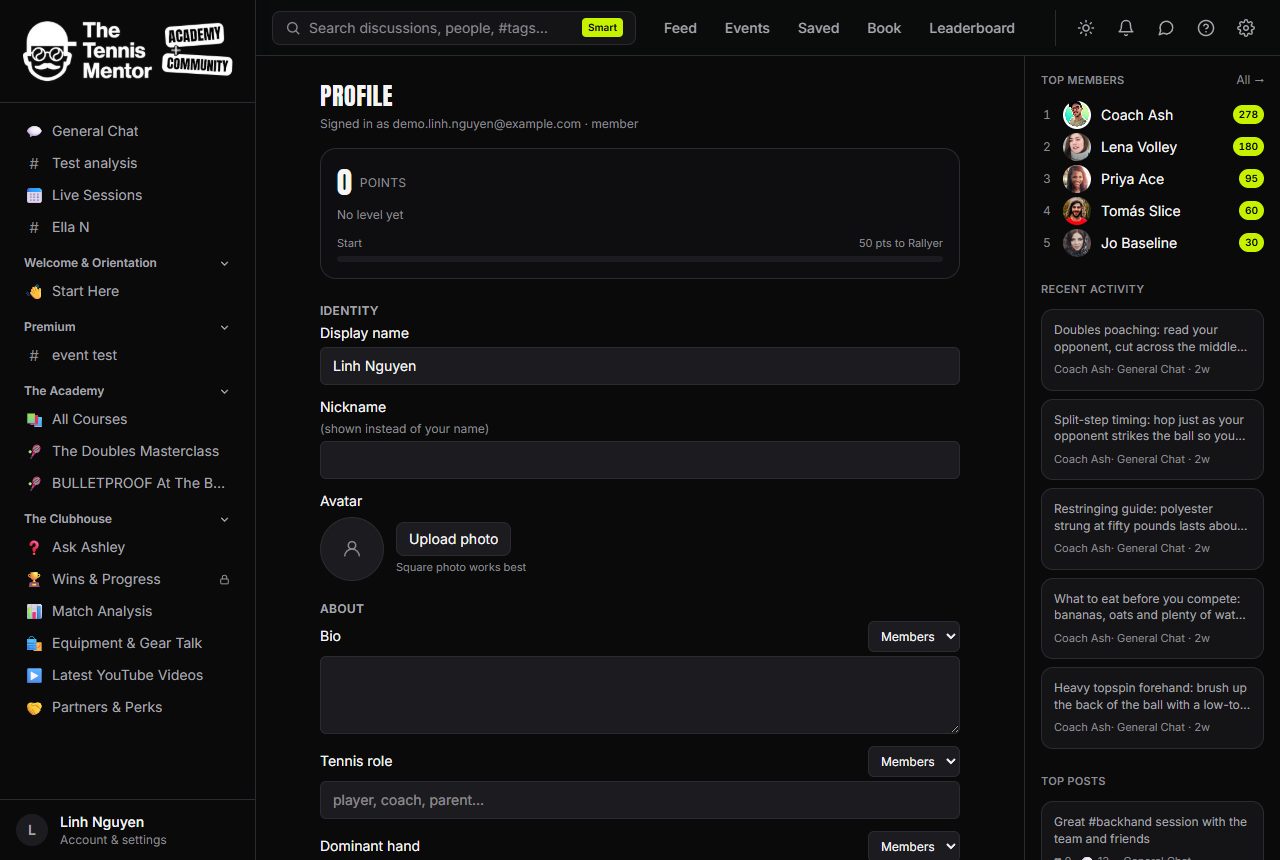
Locked content
You'll recognise gated content by the padlock and the Premium badge:
- A locked space shows its name and what you'd get, with an Unlock button instead of its contents.
- A locked session type on the Book page shows which tier opens it, with the upgrade right there.
Nothing is hidden from view — you can always see what exists; the tier decides what you can open.
How checkout works
- Press Unlock (or pick a plan when joining).
- Choose a plan — each shows its price, such as £9.99/mo.
- You're handed to Stripe's secure checkout to pay. Your card details go to Stripe, never to the community.
- When payment completes you're brought straight back to whatever you were trying to open — now unlocked.
If you close checkout without paying, nothing is charged and you can try again any time. Joining for the first time works the same way: pick a membership, pay, and your sign-in link arrives by email.
How to manage or cancel your subscription
- Open your Profile.
- Find the Membership card — it shows your plan is active and which tier you're on.
- Press Manage.
That opens the Stripe billing portal, where you can update your payment method, view invoices, or cancel. It's the same trusted portal used across the web, and changes take effect on your membership automatically.
If anything about your access ever looks wrong after a payment, sign out and back in first — and if it persists, contact your community team.