
For parents & players
Shot review — talking about a video, moment by moment
Every video in the player space comes with its own shot review chat beside it.
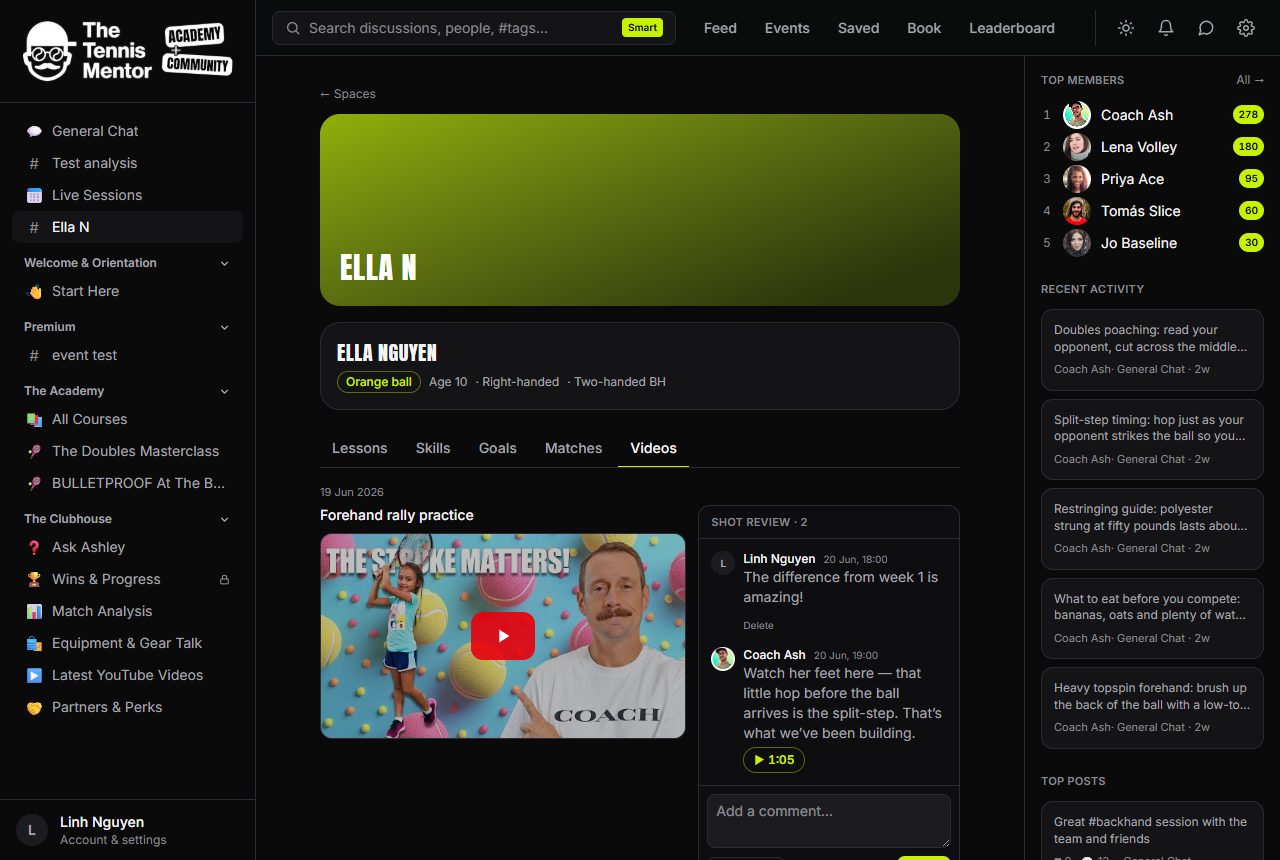
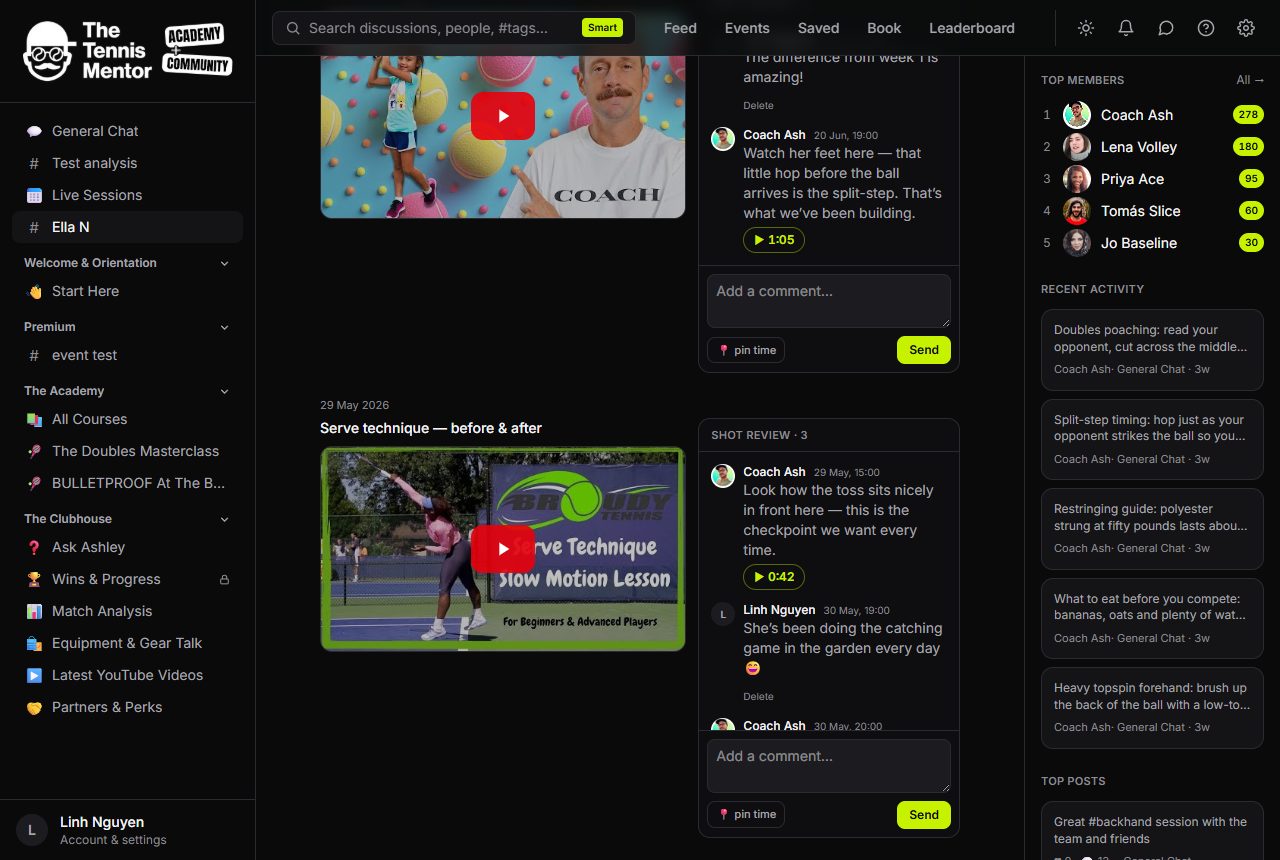
Anyone in the space can write a comment — ask a question, celebrate a rally, or point at a moment:
- Tap 📍 pin time under the comment box to attach a timestamp (for uploaded clips it pre-fills with wherever the video currently is; for YouTube clips type it as
m:ss). - A pinned comment shows a ▶ 1:05 chip — tapping it jumps the video straight to that moment.
The coach uses this constantly: "watch the toss here" pinned to the exact second beats a paragraph of description. You'll get a notification when someone comments in your space, and comment activity is bundled into the email digest rather than sent instantly — chats shouldn't flood an inbox.
You can delete your own comments; the coach can moderate all of them.