
For members
Booking a lesson with your coach
The Book page is where you arrange one-to-one time with your coach.
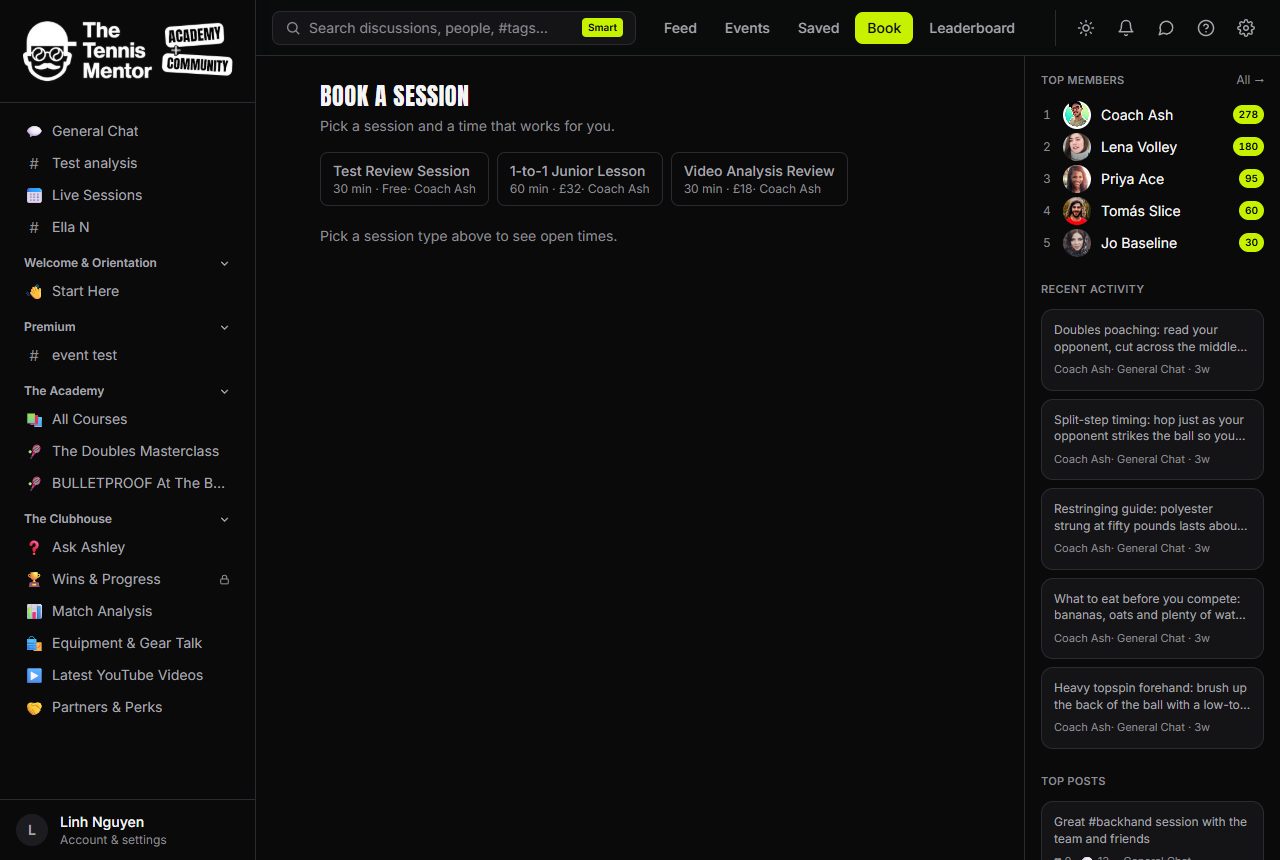
How to book a session
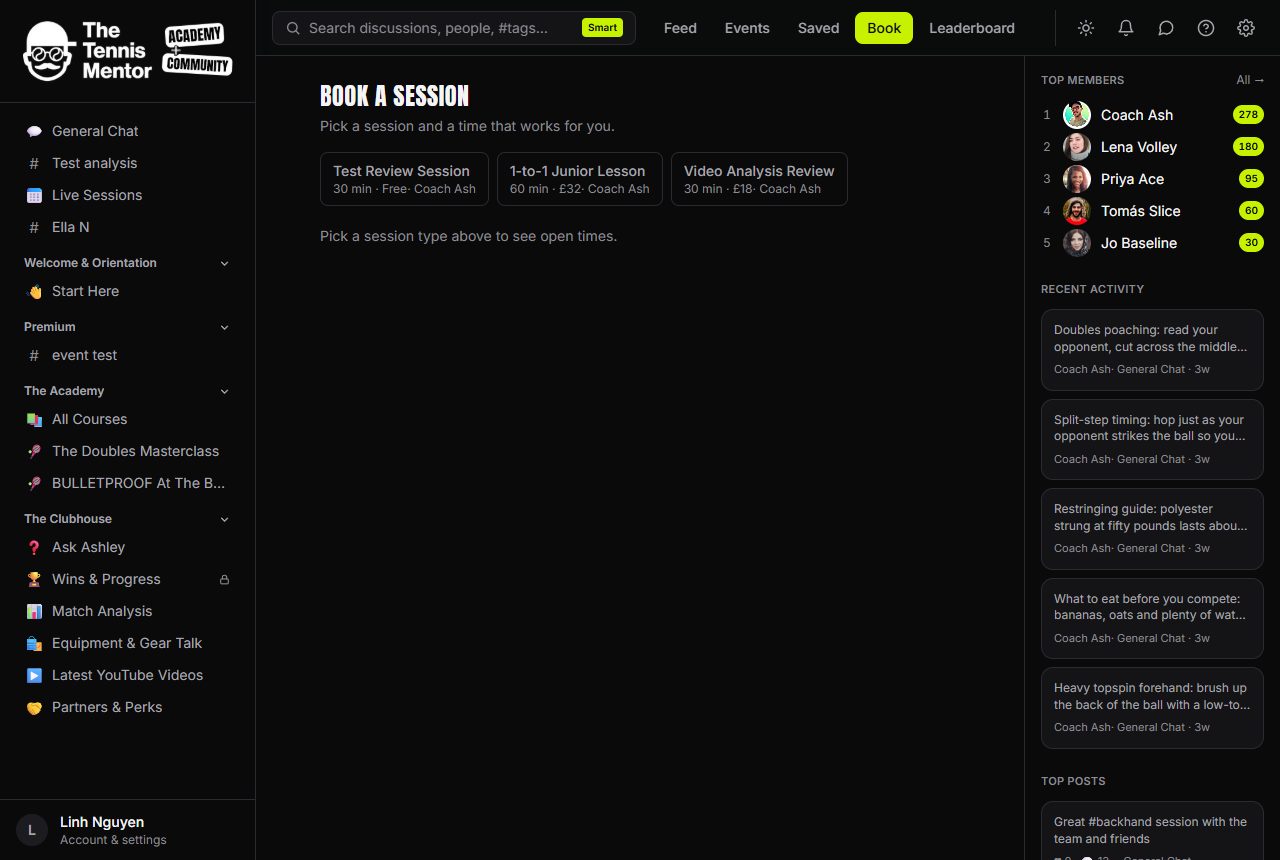
- Open Book from the top navigation.
- Choose a session type — each shows its length, price (or Free) and the coach.
- Pick a time. Available slots are grouped by day and shown in your own timezone.
- Confirm:
- A free session is booked instantly.
- A paid session takes you to Stripe's secure checkout to pay first — your card details never touch the community itself. Until payment completes, the booking shows as pending payment.
You'll get a notification when your booking is confirmed.
Your upcoming sessions
Booked sessions appear at the top of the Book page under Your upcoming sessions, with the date and time and who the session is with. If the session happens online, a Join → link appears on your booking.
Locked session types
Some session types show a padlock — they're reserved for a paid membership tier. You'll see which tier unlocks them and can upgrade right there; once you're on the tier, the slots open up.
Cancelling
Press Cancel on a booking and confirm. What happens to your money:
- Cancel far enough ahead (by default, more than 24 hours before the start — your community may set a different cut-off) and a paid session is refunded automatically.
- Cancel inside the cut-off and the slot is freed but the payment isn't refunded.
- If your coach cancels, a paid session is always refunded.
Cancellations and refunds show up in your Activity feed too, so there's always a record of what happened.