
For parents & players
Reading a lesson report
After each lesson your coach logs what happened. Here's how to read the card:
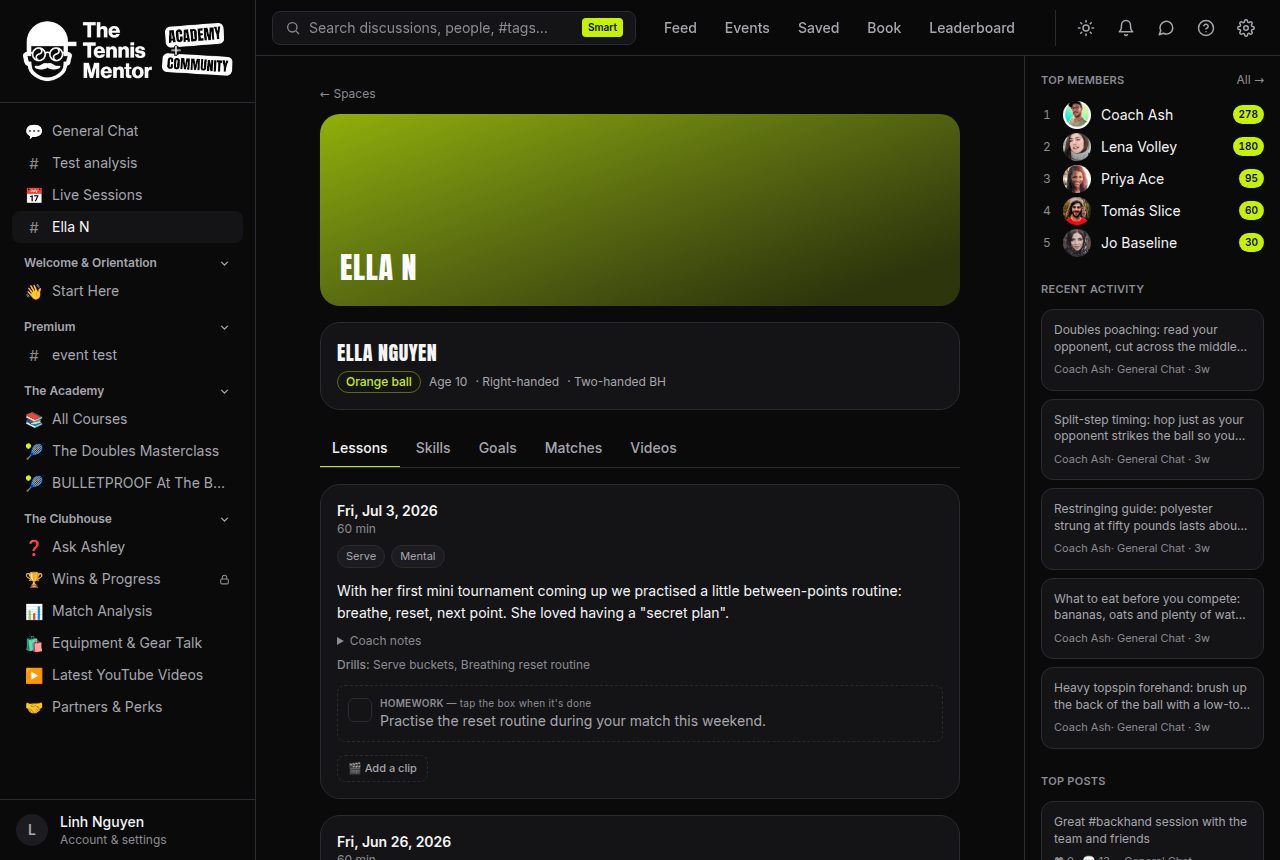
- The big paragraph at the top is written for you — a plain-English recap of the session.
- Effort dots (● ● ● ● ○) next to the duration show how engaged the player was, out of five.
- The focus chips (like Serve or Movement) show which of the eight skill areas the lesson worked on.
- Tap Coach notes to expand the coach's own technical notes, plus green went well and amber needs work chips from the session.
- Drills lists what was practised, drawn from your coach's drill library.
Older lessons
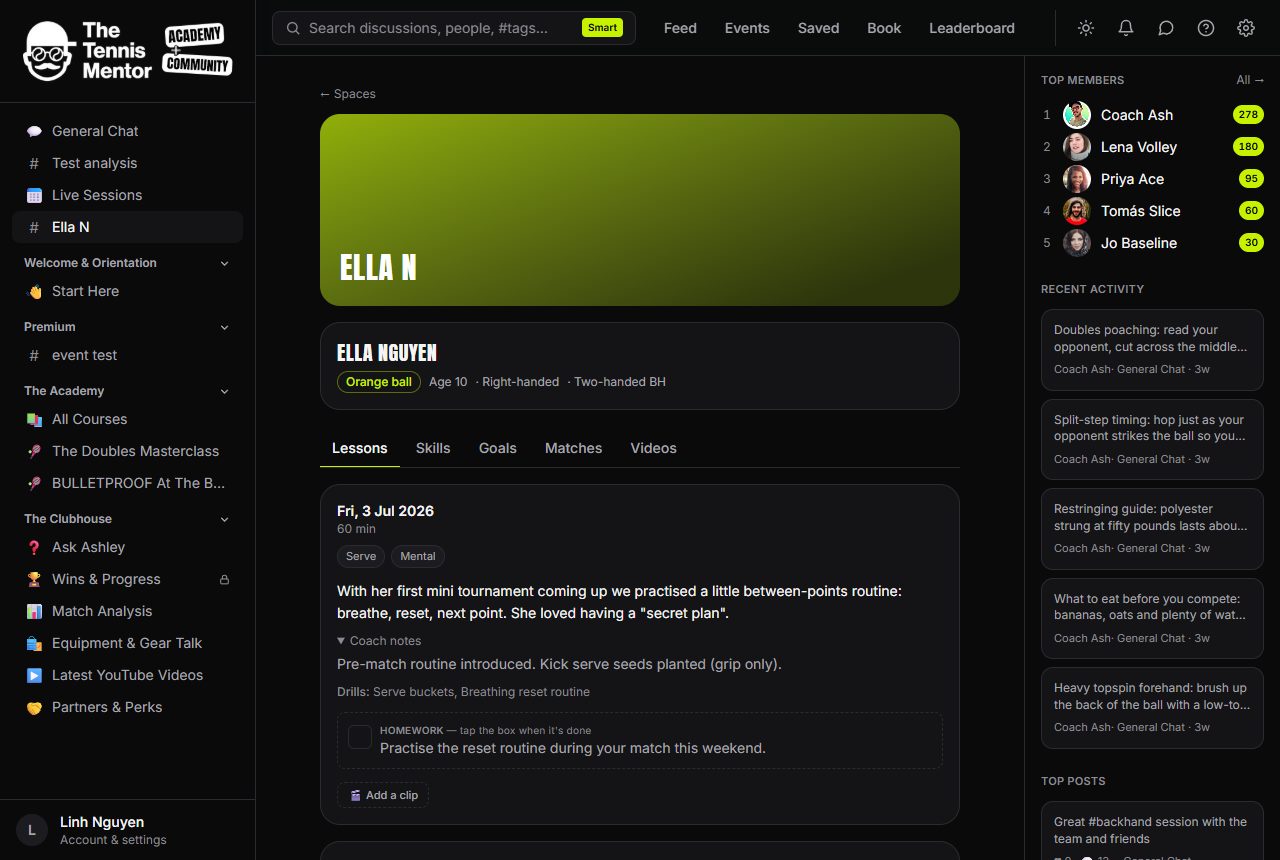
The log shows the latest ten lessons; tap Show older lessons at the bottom to go further back. Every lesson ever logged is kept.
Tip: when a lesson is logged you'll also get the summary by email, so you don't need to check the app after every session.