
For members
Direct messages
Sometimes a conversation belongs off the feed. Direct messages are private, one-to-one chats between you and another member.
How to start a conversation
- Open the other person's profile — tap their name or photo anywhere in the community.
- Press Message.
- Write your message and send. Messages can be up to 4,000 characters.
Your inbox
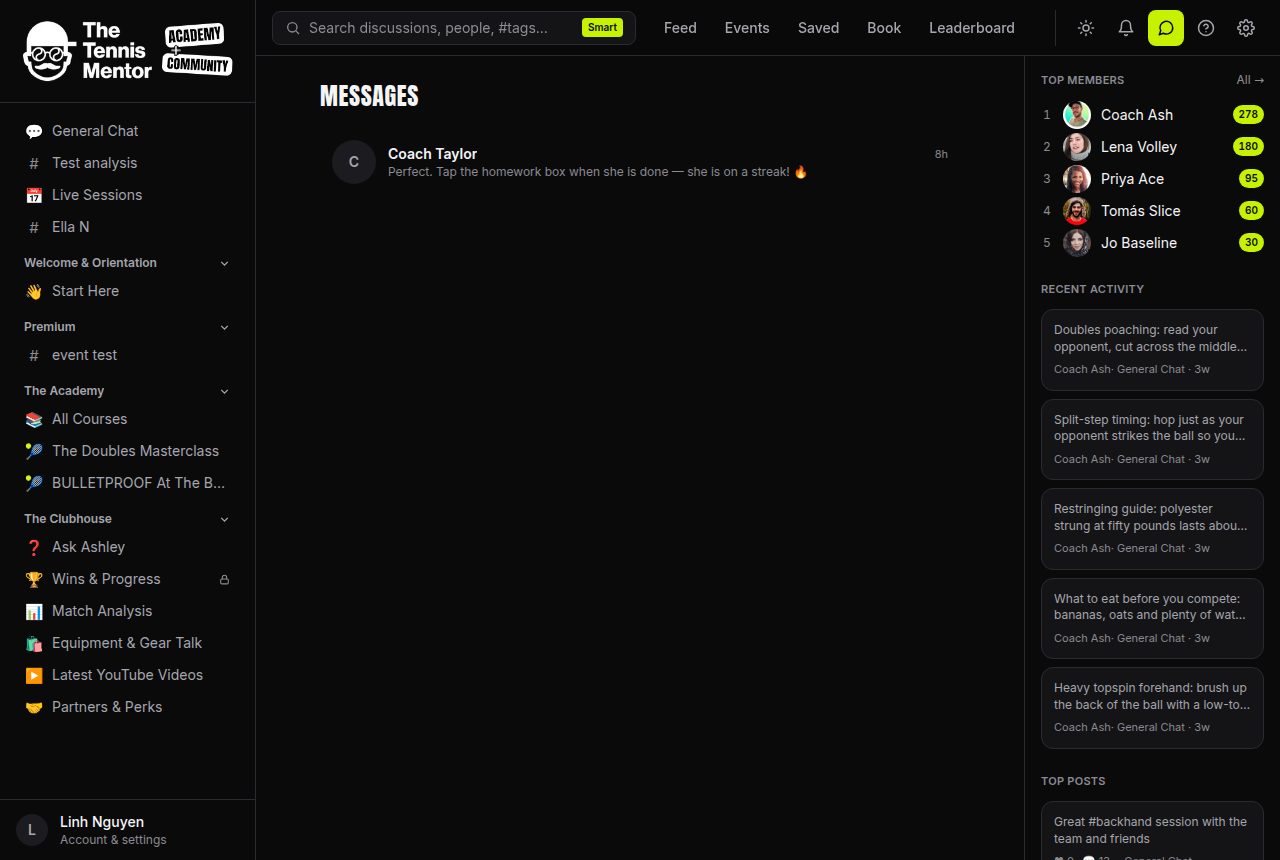
Tap the speech-bubble icon in the header to open Messages. Each conversation shows the other person, a preview of the latest message, how long ago it arrived, and a badge with your unread count. The icon in the header carries an unread badge too, so you'll spot new messages from anywhere in the app.
Inside a conversation
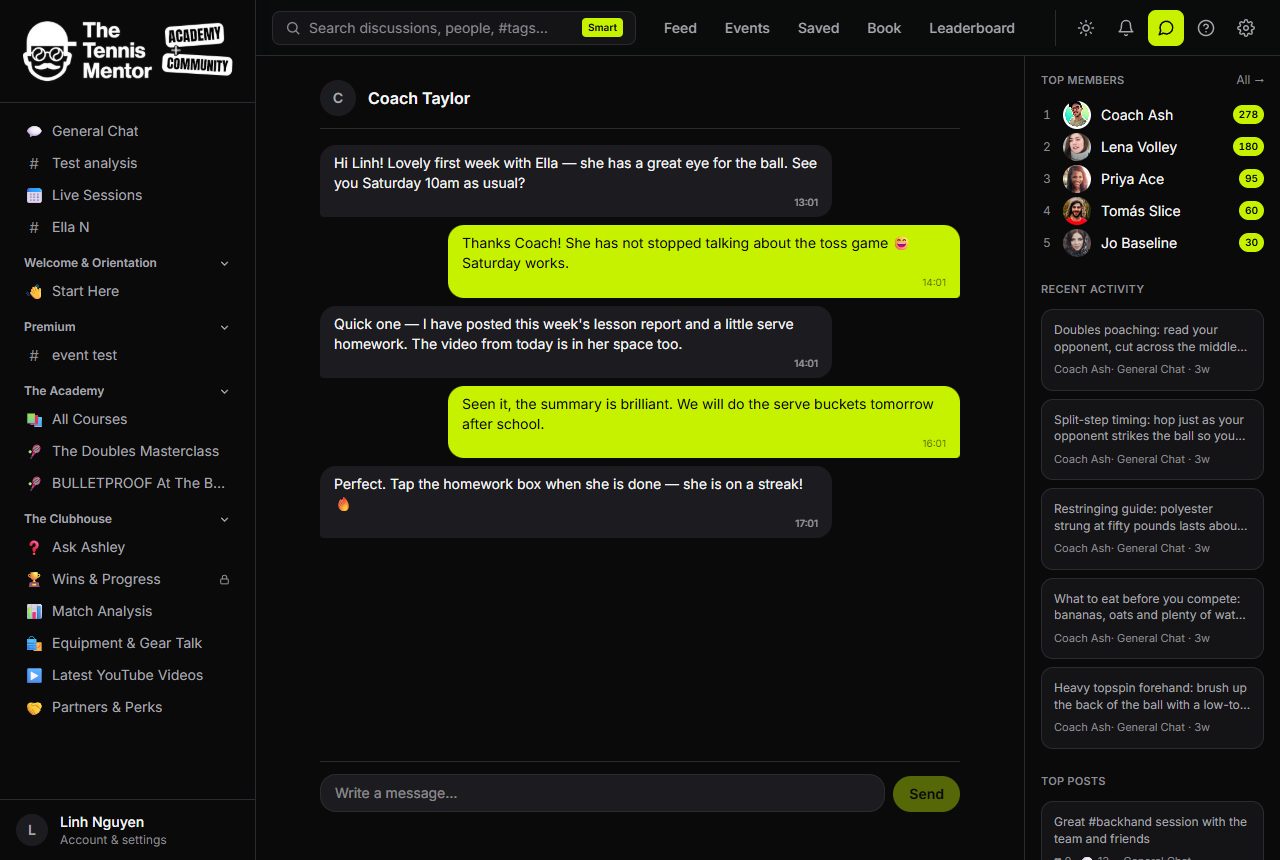
The thread shows the full history, with your messages on one side and theirs on the other. While you have a conversation open, new replies from the other person appear automatically within a few seconds — no need to refresh. Tap their name at the top to visit their profile.
Notifications
A new message drops a notification into your Activity feed, which links straight to the conversation. If you don't see it in the app, it's included in your email digest — you can switch the Direct messages email category off in your notification settings if you'd rather keep messages in-app only.
Privacy and boundaries
Messages are only ever visible to the two people in the conversation. If someone's bothering you, blocking them stops messages in both directions — see Reporting, blocking and keeping things friendly for how that works.