
For parents & players
Progress reports by email
Beyond the lesson-by-lesson summaries, your coach can send a progress report — a few written paragraphs covering a whole period: what was worked on, what measurably improved, and what's next.
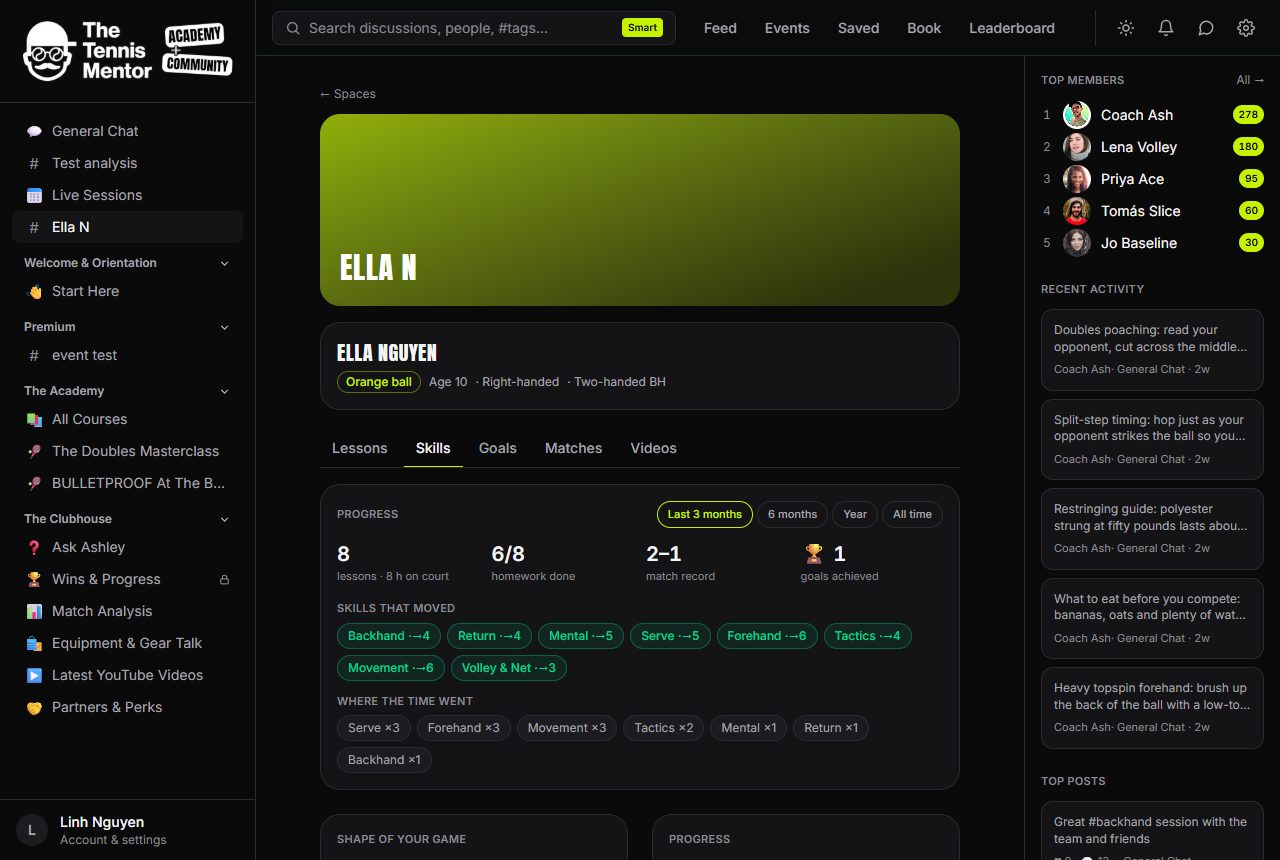
It arrives by email, titled "Progress report — [player's name]", and links back to the Skills tab so you can see the charts behind the words. The report is grounded in the space's real data — lessons, ratings, homework, goals and match results — and always reviewed and edited by your coach before it's sent.
There's nothing to set up: if you receive lesson emails, you'll receive progress reports. If you've turned off the courses & coaching email category in Settings → Notifications, reports respect that too.
A good rhythm is one report a term — if you'd like one before a school report evening or a squad trial, just ask your coach.