
For members
Reporting, blocking and keeping things friendly
This is a community, and it stays pleasant because everyone has simple tools to deal with the rare unpleasant moment.
How to report a post or comment
- Press Report in the footer of any post or comment.
- Pick a reason: Spam or scam, Harassment, Off-topic, Inappropriate or Other.
- Add optional detail (up to 400 characters) and press Send report.
You'll see a small Reported tick to confirm it went through. Reports go quietly to the moderation team — the author isn't told who reported them.
How to block a member
- Press Block on any of their posts, or Block member from their profile.
- Confirm.
Blocking works both ways: you won't see each other's posts, comments, likes or messages. You can't block community staff, and staff-level roles can't be blocked by design.
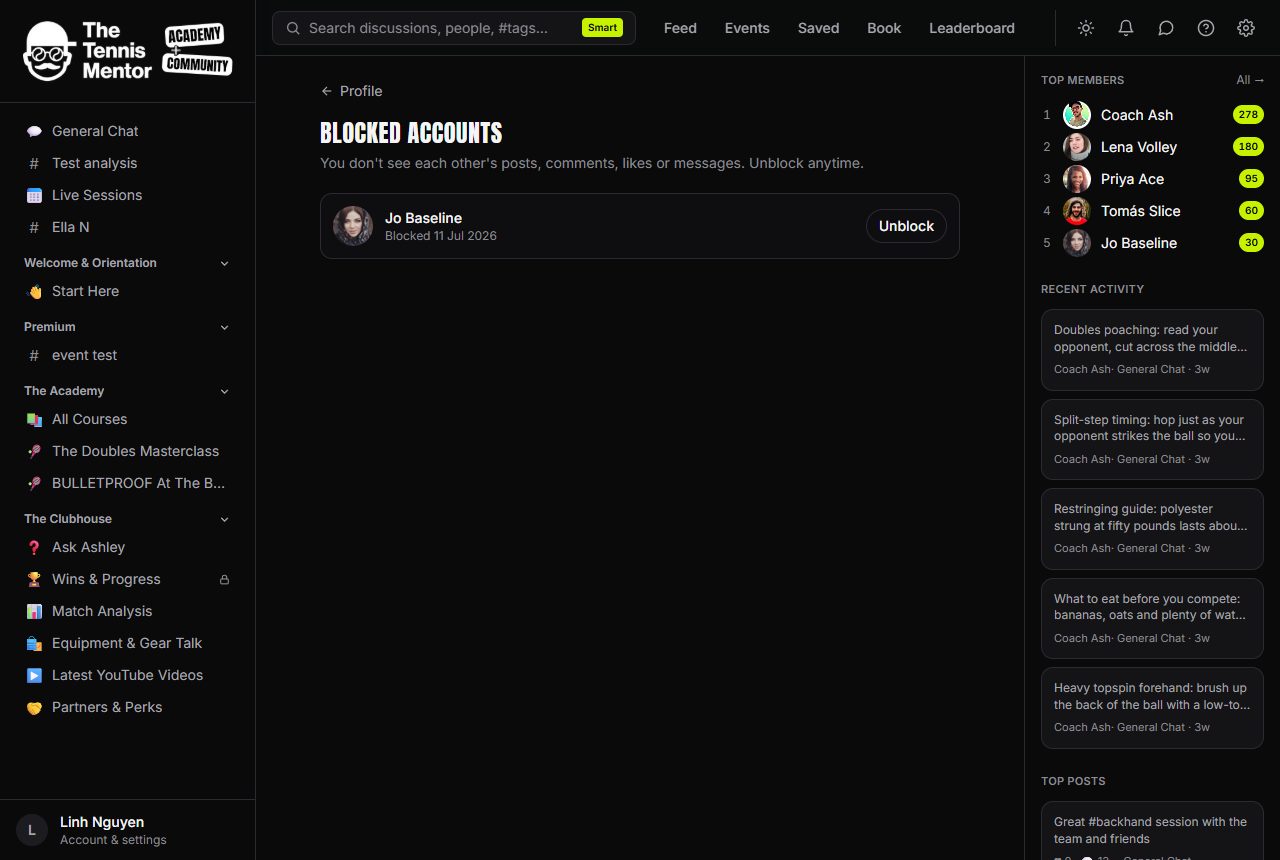
Changed your mind? Go to your Profile, then Blocked accounts — every block is listed with the date, and Unblock undoes it instantly.
What moderators can do
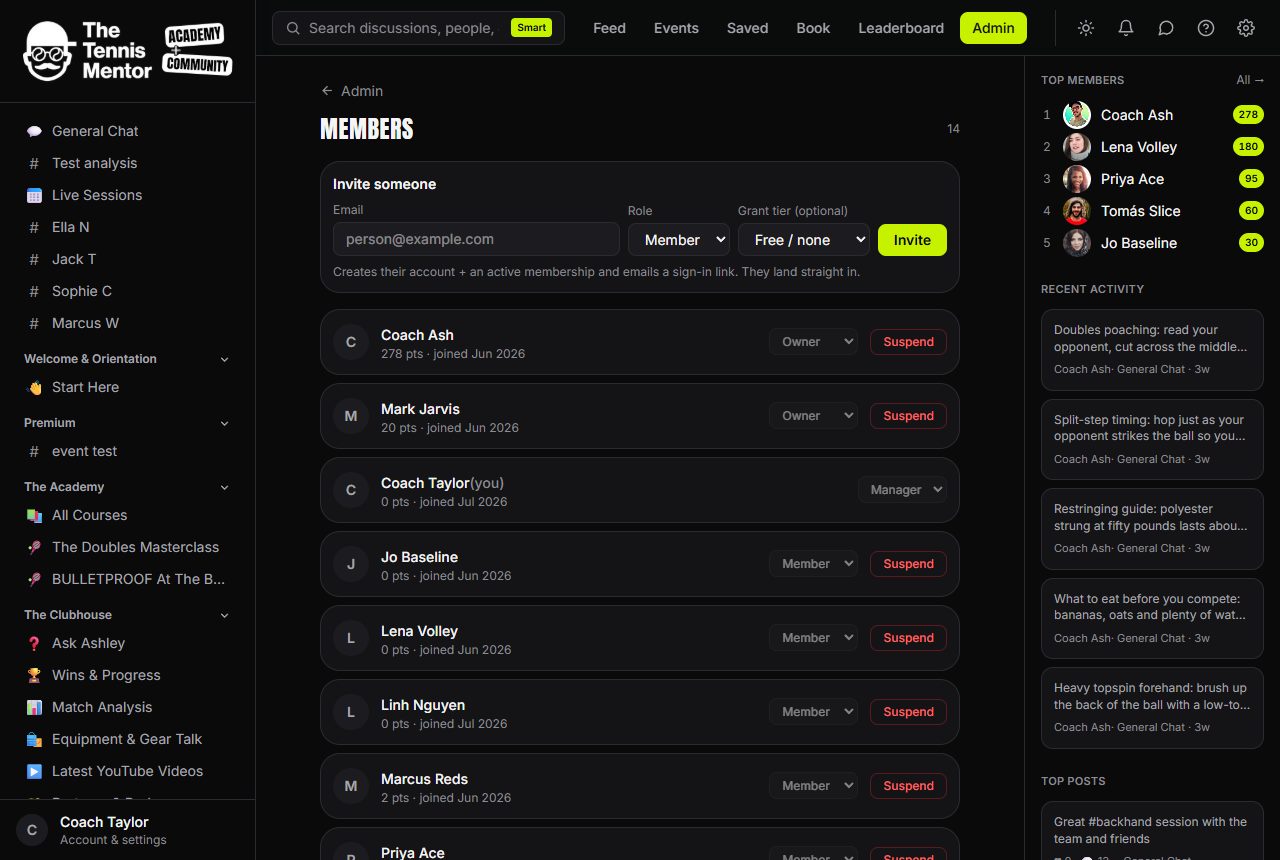
Reported content lands in a review queue for the community's moderators. They can:
- Hide a reported post or comment while they look into it (and unhide it if it's fine).
- Issue warnings to members who break the rules.
- Suspend accounts — communities can set repeated warnings to trigger this automatically.
If a moderator ever needs to contact you about your content, that notice arrives by email regardless of your email settings — safety messages are never filtered out.
Report honestly, block freely, and let the team handle the rest. That's the whole system.