
For coaches & admins
Goals, and your drills library
Goals
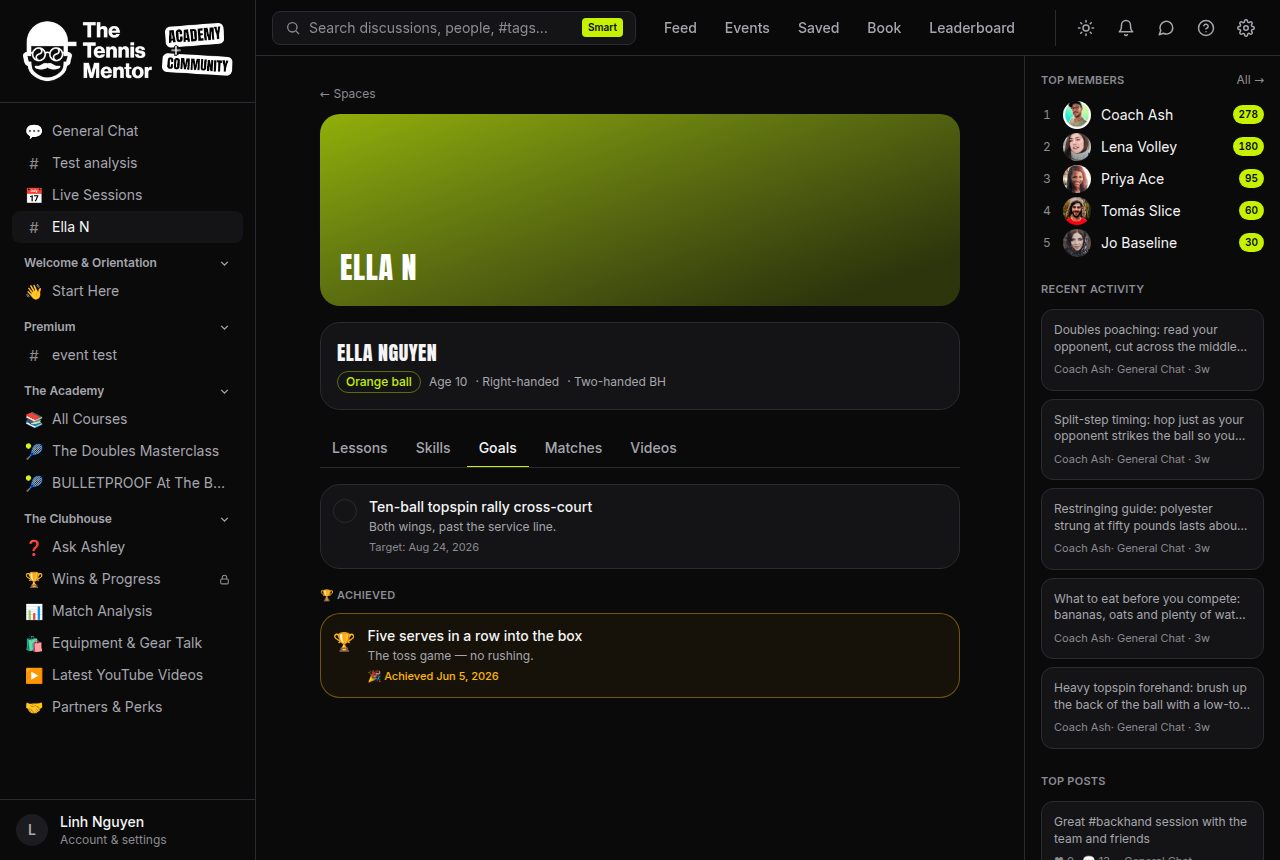
Set them from the Goals tab: title, optional detail and target date. Marking one achieved is the emotional peak of the product — the card turns gold and the family is notified — so save it for real milestones. Goals past their target show a gentle flag and sort to the top; the weekly email reminds you about them. Un-achieving (a mis-tap) is silent.
The drills library
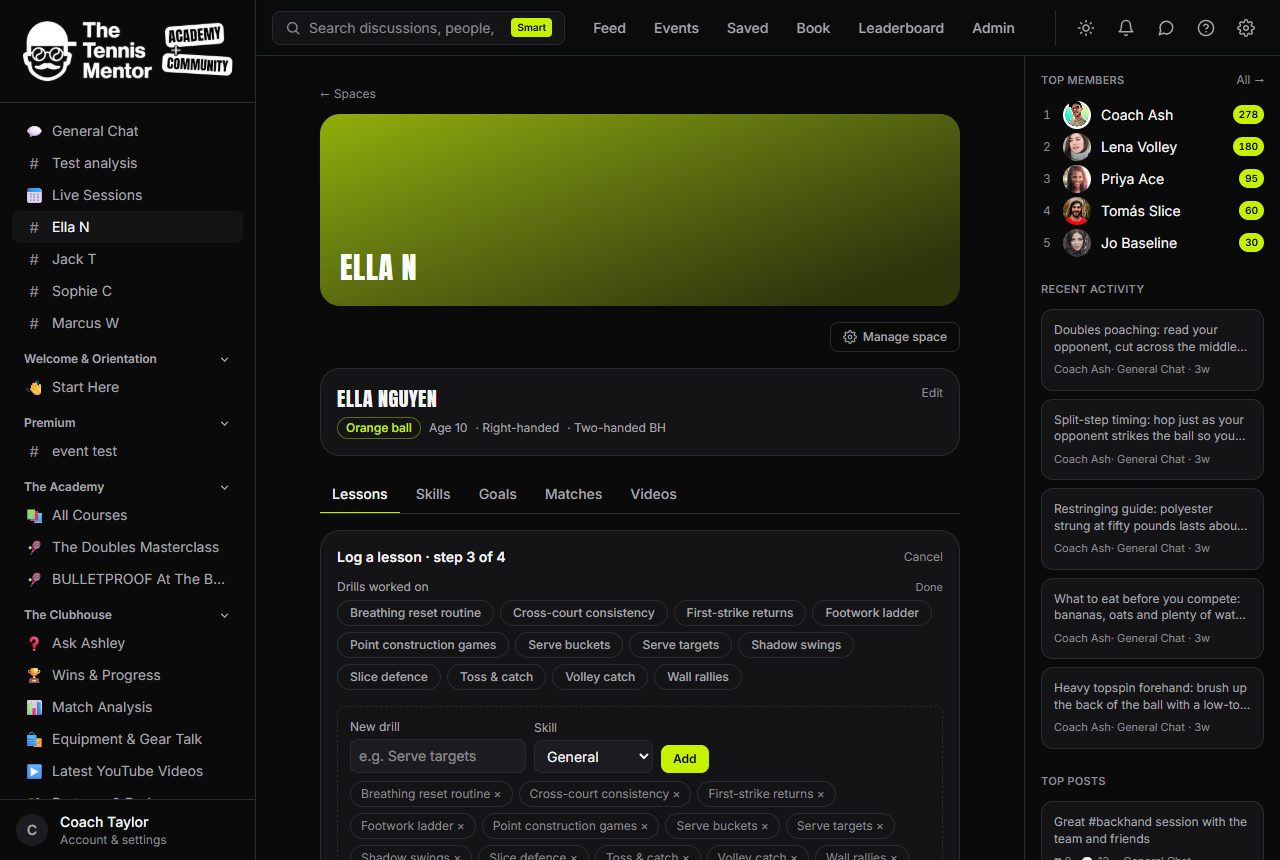
Your library is shared across all your players and lives where you use it: wizard step 3, Manage library. Add a drill with a name, skill area and how-to description; from then on it's a tap chip in every lesson you log, filtered to the lesson's focus areas. Consistent drill names make the lesson log queryable at a glance ("we've done Serve targets four weeks running").
Members can see drill names on lesson cards but only you can change the library. Deleting asks for confirmation and never touches past lessons — they keep the text as logged.