
For parents & players
Logging match results
Weekend tournament? Club league? The Matches tab keeps the record — and you can log results, not just the coach.
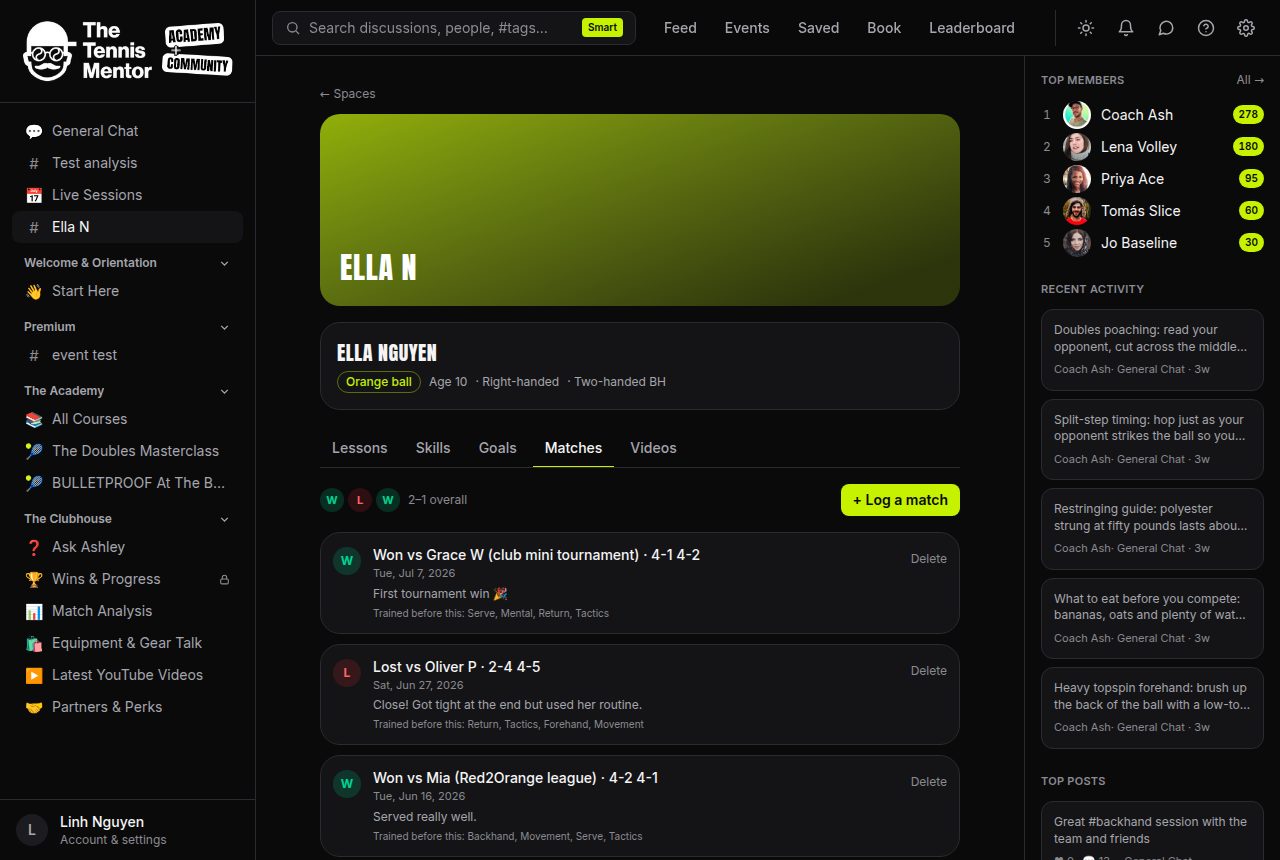
How to log a match
- Open the Matches tab and tap + Log a match.
- Tap Win or Loss — the date defaults to today.
- Add the opponent, score (like
6-4 3-6 10-7) and any notes — all optional. - Save match. Everyone else in the space gets a notification.
The last five results appear as the form guide (W/L circles) with the overall record beside it. Each result also shows "Trained before this" — the skills worked on in the fortnight leading up to the match, which is how training and results start telling one story.
You can delete a result you logged yourself; the coach can tidy up anything.