
For coaches & admins
Sending a term progress report
The Skills tab's Progress card can turn a period of coaching into a written report for the family.
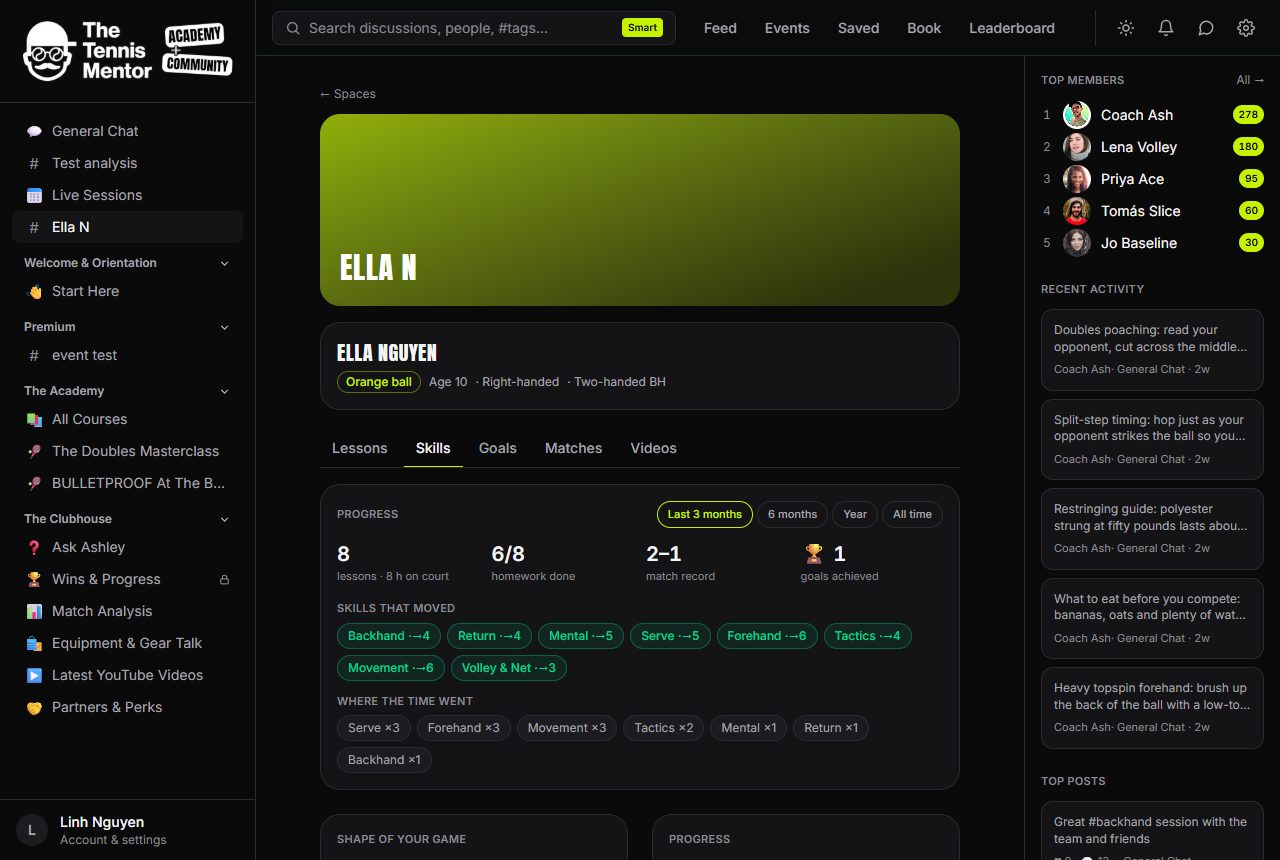
- Pick the period on the Progress card (Last 3 months, 6 months, Year, All time).
- Tap ✦ Draft a progress report for the family. The AI writes up to three short paragraphs grounded only in that period's stored data: lessons and hours, skill-rating changes, focus mix, homework completion, effort trend, goals achieved, match record, and excerpts from your own past summaries.
- Edit the text — it's your report, the draft is scaffolding.
- Tap 📧 Email to the family. It goes to every family member in the space (respecting their email preferences) with a link back to the charts.
Sends are limited to six a day across your players — this is a considered artefact, not a broadcast. A good rhythm is once a term, or before squad trials and season milestones.