
For members
Points, levels and the leaderboard
Taking part earns you points — and points that others award you count most of all.
What earns points
- Write a post — 2 points
- Write a comment — 1 point
- Someone likes your post or comment — 5 points
- Complete a course lesson — 10 points
- Tick off player-development homework — 3 points
Notice the weighting: a like received is worth more than a post written. The system rewards contributions the community finds valuable, not sheer volume. Liking your own content earns nothing, and if someone removes a like, the points come back off — so there's no gaming it.
Levels
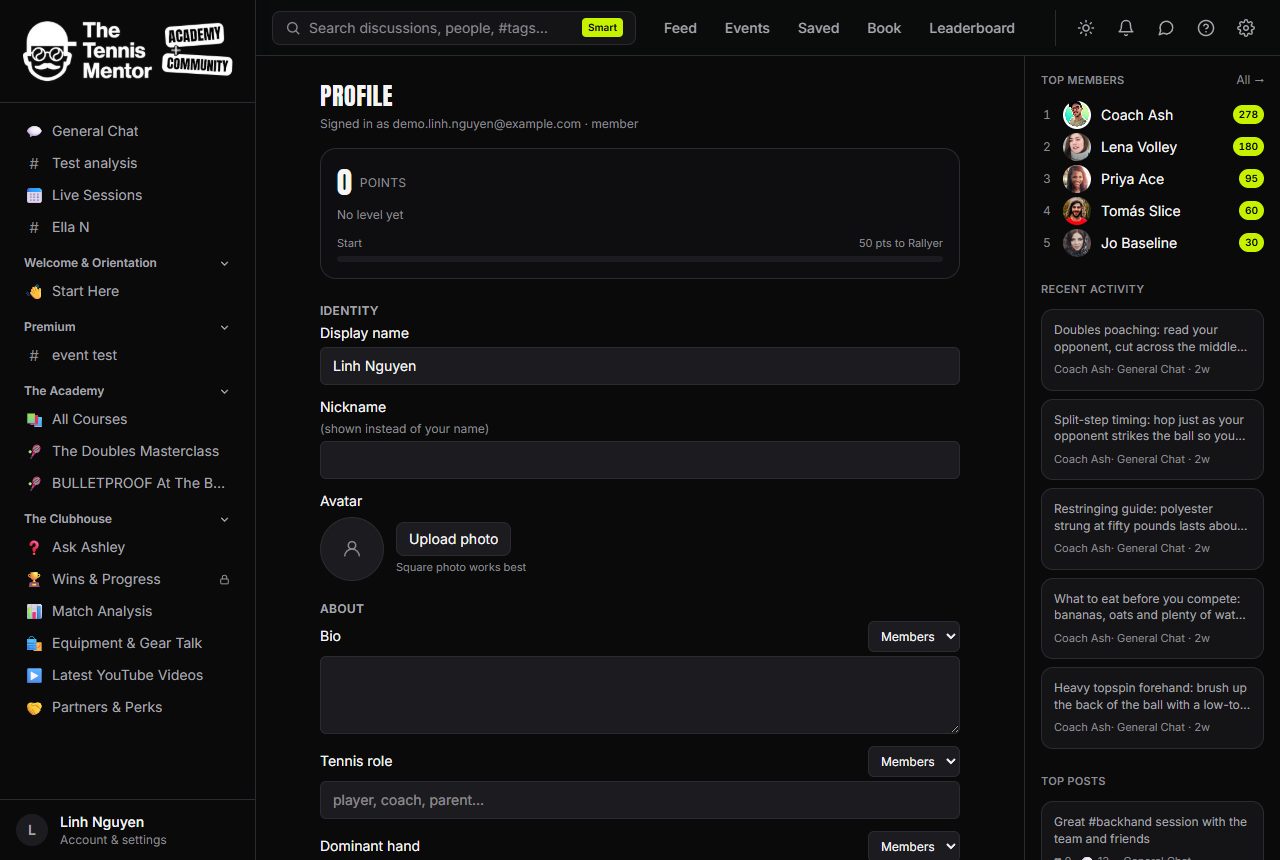
As your points grow you climb through levels. Your current level badge appears next to your name across the community, and your Profile shows a progress bar with exactly how many points you need for the next level. When you cross a threshold you'll get a level-up notification.
Your profile also shows your all-time rank, any badges you've been awarded, and your daily activity streak.
The leaderboard
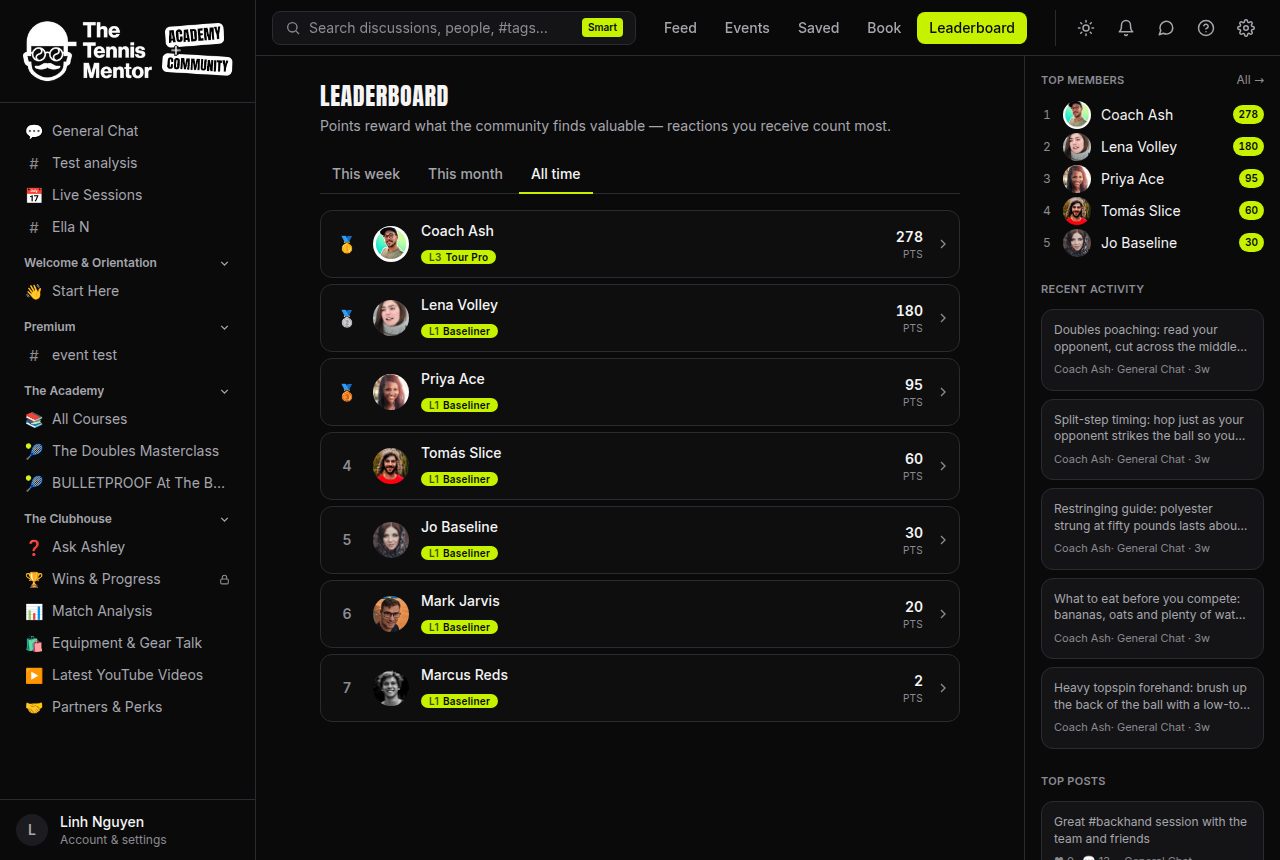
Open Leaderboard from the top navigation (or the Ranks tab on mobile). Three tabs let you switch the window:
- This week
- This month
- All time
The top three get medals, your own row is highlighted, and if you're outside the visible list you'll still see You're #N with X pts underneath. The board refreshes itself every few minutes, so fresh points show up quickly rather than instantly.
A shortlist of Top members also appears in the right-hand panel on large screens — tap All → there to jump to the full leaderboard.