
For coaches & admins
AI-drafted reports — and exactly what the AI sees
On the wizard's final step, ✦ Draft with AI turns your chip selections into three drafts in a few seconds: coach notes (your voice), homework (actionable), and a parent summary (warm, jargon-free). Edit anything — nothing is saved or sent until you tap Save lesson.
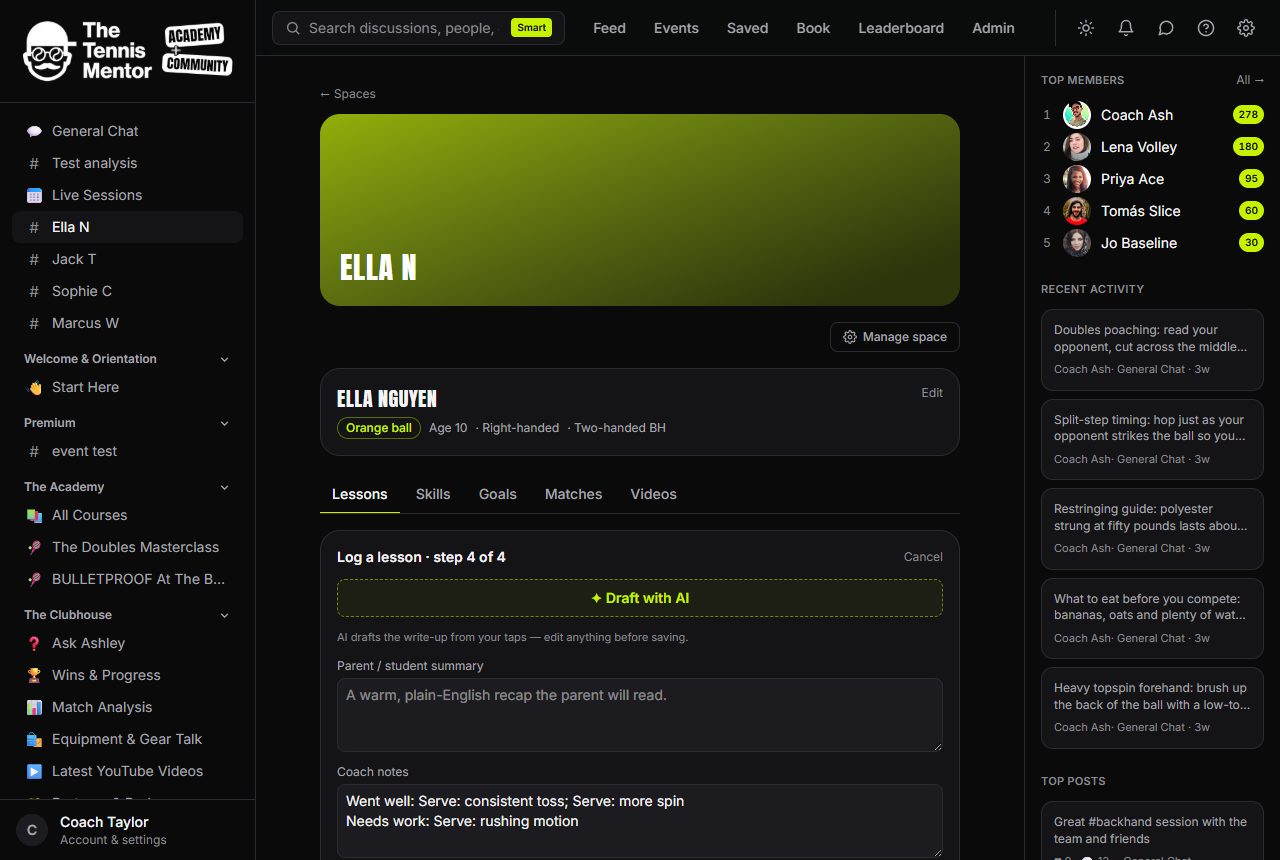
What the AI is given
Privacy is engineered narrowly. The only data sent to the model is: the player's first name, their level label, and your taps from this lesson (focus, phrases, effort, homework chips, duration). No surname, no birth year, no contact details, no chat history — ever.
If it's unavailable
The feature is optional infrastructure. If it's not configured, or the draft fails, the wizard simply shows the plain fields pre-filled from your taps — logging never blocks on the AI. There's a fair-use limit of 30 drafts an hour.
Treat the draft as a first pass in your handwriting, not a ghostwriter: the more specific your chips, the better the prose.