
For members
Taking a course
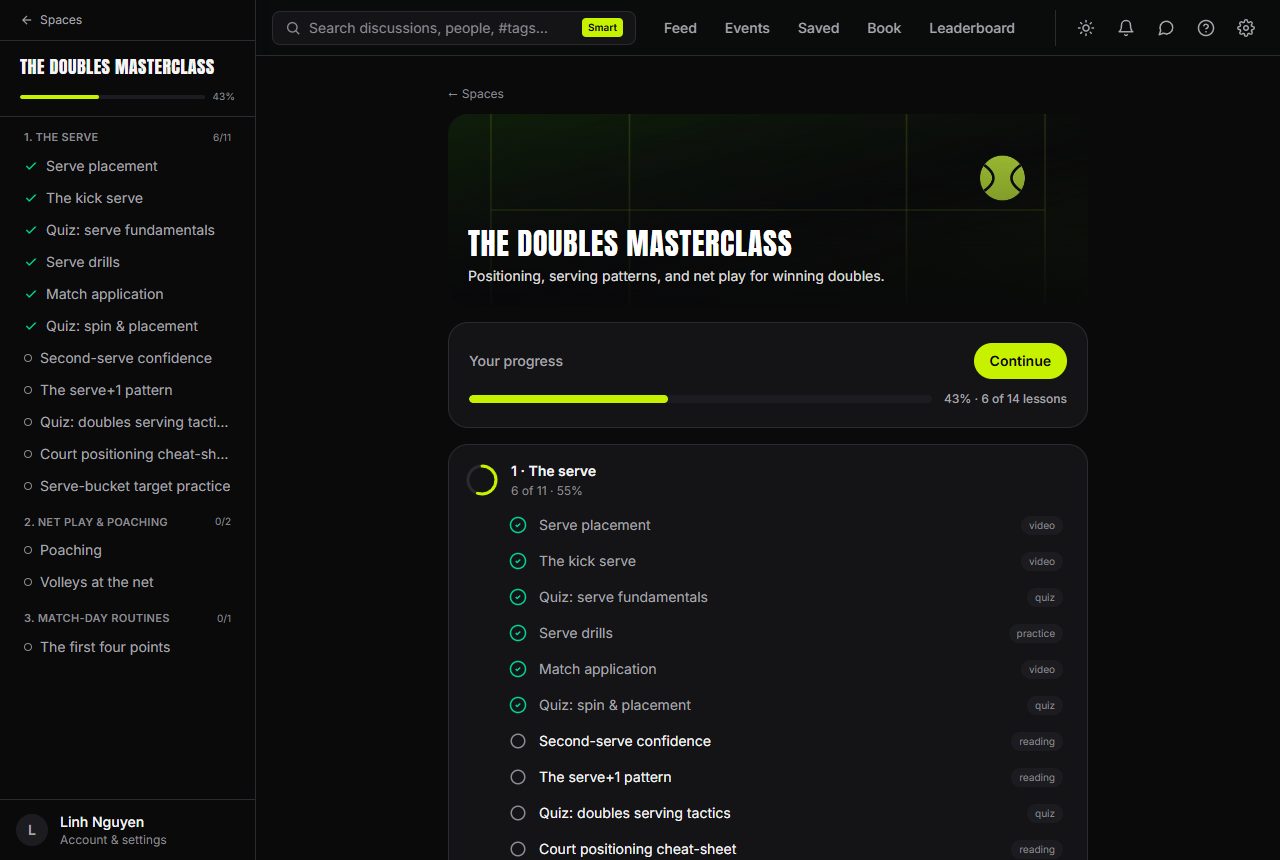
A course space is a set of lessons organised into modules. Open the course and you'll see your progress card at the top — press Start (or Continue) and the course picks up exactly where you left off.
Lesson types
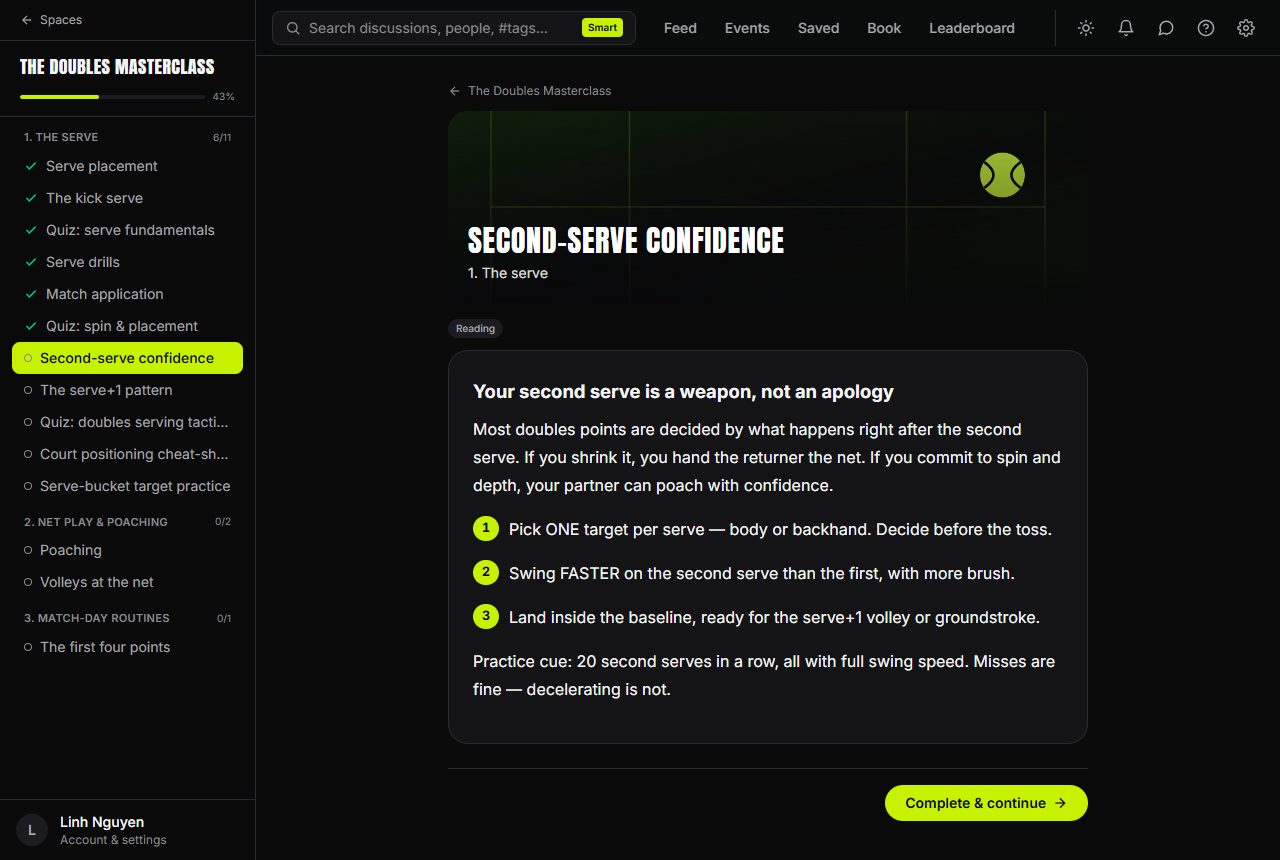
Each lesson is labelled with what it is:
- Video — watch in the built-in player. It remembers where you got to, so you can come back later and resume. A video counts as complete once you've watched at least 90% of it.
- Reading — read through, then press mark complete to continue.
- Quiz — a knowledge check with a pass mark. You'll see your score straight away, and you can Retake or Try again as often as you like.
- Practice drill — head to the court, run the drill, then mark it complete.
- Assignment — record a clip and upload it for coach feedback. You'll get a notification when your coach has reviewed it.
Progress and locked lessons
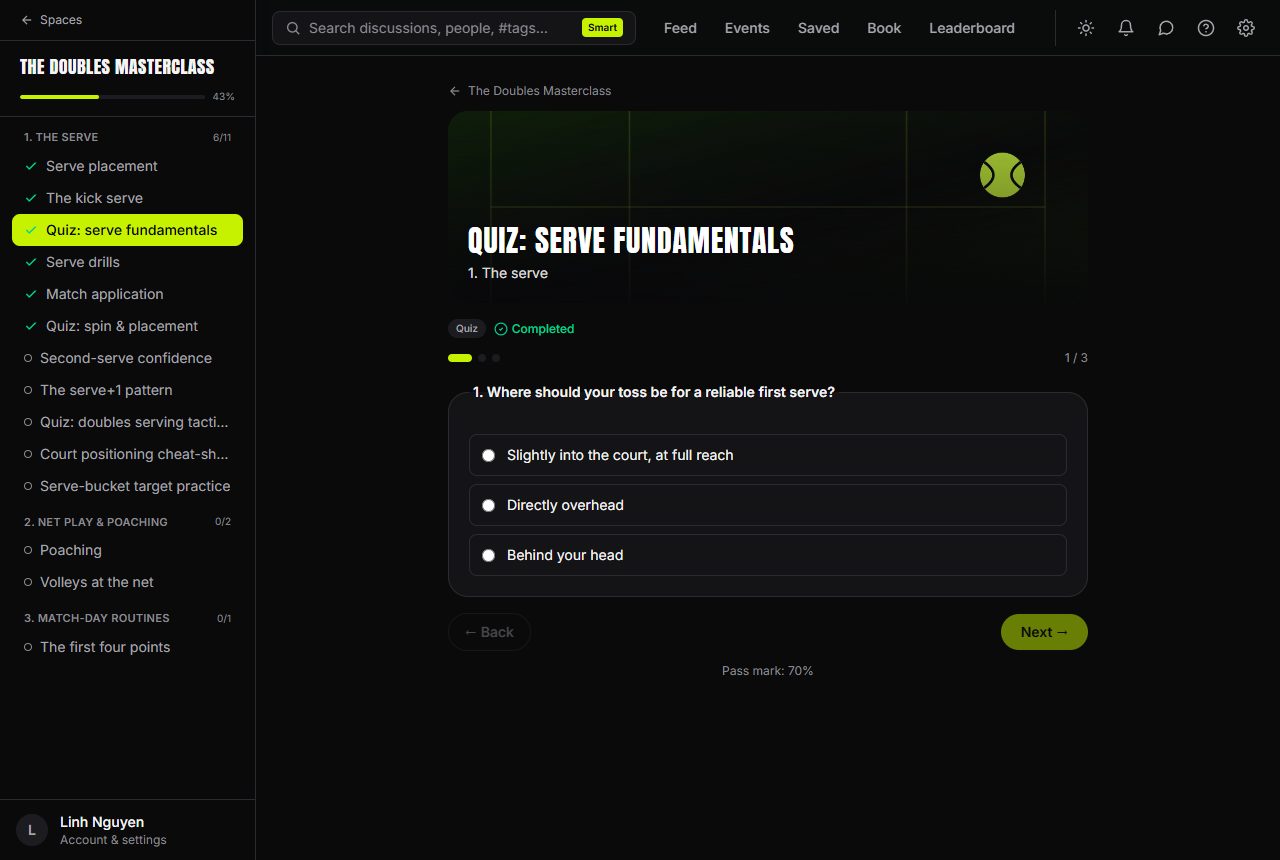
Your progress bar shows how far through you are, and each module shows a completed count (like 2/5). On desktop, the sidebar becomes the course outline while you're learning — ticks for finished lessons, and your current lesson highlighted.
Some lessons show a padlock:
- In a step-by-step course, each lesson unlocks when you finish the one before it.
- Some lessons are released on a schedule after you join — you'll see Available on a date, and you'll get a notification the moment one unlocks.
Finishing
When every lesson is done, the course shows Course complete — and if the course issues one, you'll see Certificate earned with a link to view and share your certificate of completion.
Every lesson you complete also earns you 10 points on the community leaderboard.